
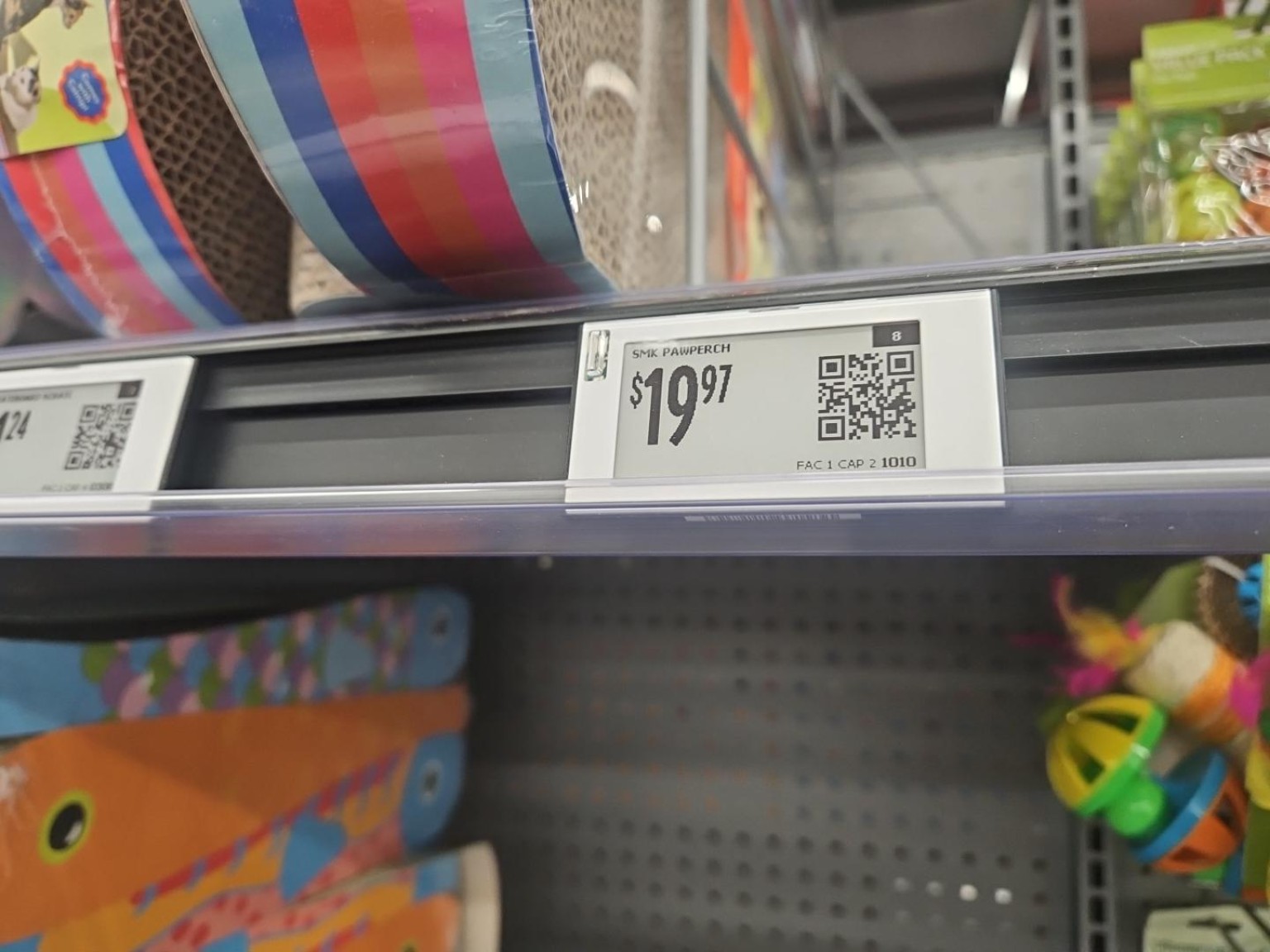
At 7:30 PM on a Friday, my daughter decided the family needed to go to Walmart for a cat bed.
She had done the research. I had done the parenting math and decided resistance was probably more expensive than the trip.
We got to the store, found the aisle, and then could not find the exact item. She pulled out her phone, did whatever the younger and more competent generation does in the Walmart app, and suddenly the little digital shelf label blinked.
Both of us stopped.
That was cool.
It was also a better practical AI lesson than half the forced "AI use case" conversations floating around right now.
Because the real value was not the blinking light. The real value was the system behind it.
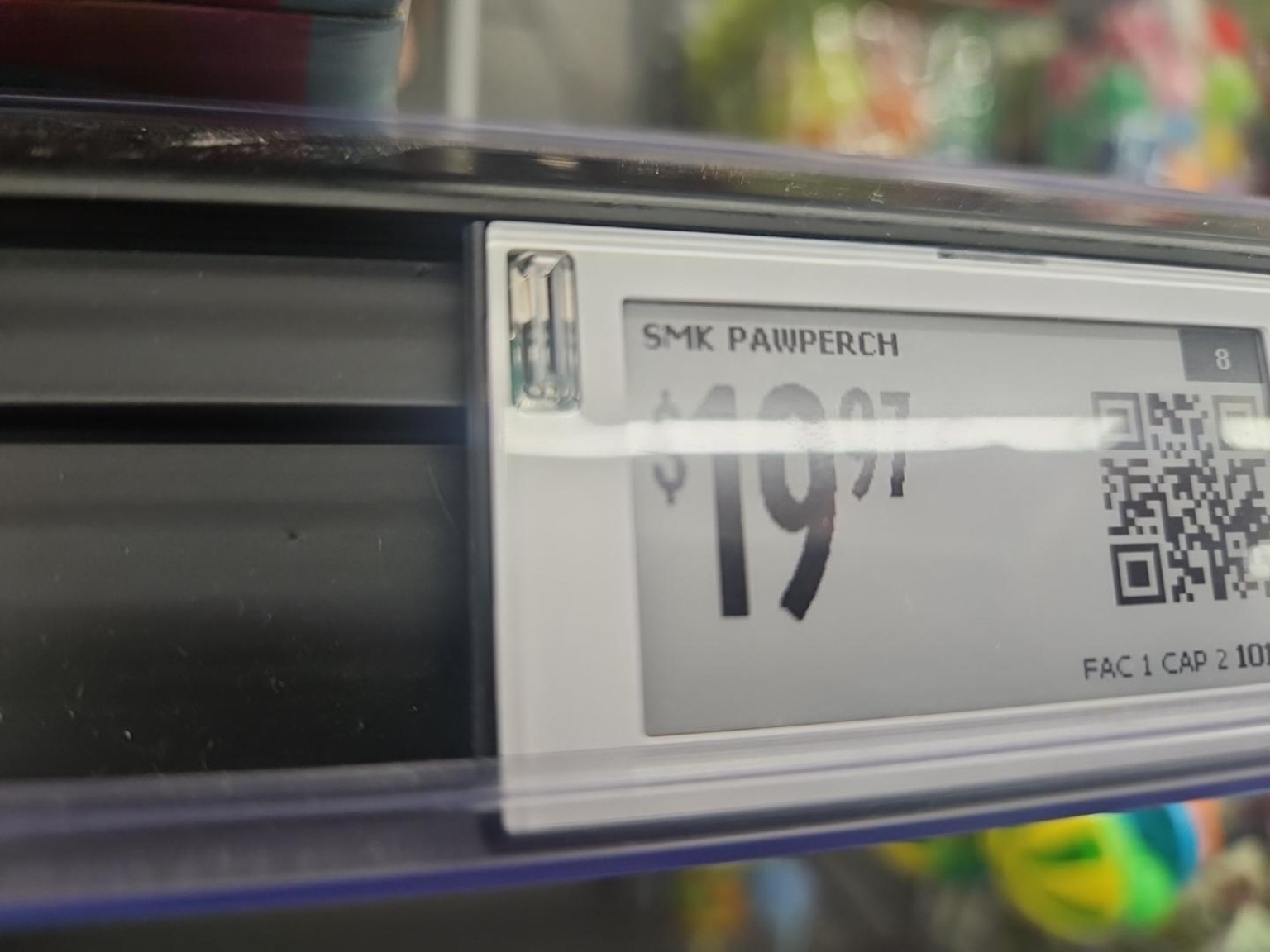
From Price Tag to Business System
Walmart's digital shelf labels replace paper price tags with electronic displays. Walmart says the technology helps associates update prices faster, supports Stock to Light for restocking, and supports Pick to Light for online order fulfillment. Walmart has also stated that these labels are closed-system displays without cameras, microphones, or facial recognition.
So no, the useful lesson is not "the price tag is watching you."
The useful lesson is that a physical shelf position has become part of a software system.
For the app to trigger the right label, the business needs a chain like this:
``text SKU -> store -> aisle/section/shelf position -> device ID -> flash command ``
That is a clean little model of what practical AI needs in almost any business.
Not hype. Not magic. Mapped operations.
The Datasets That Make the System Useful
A blinking label sounds simple. It is not.
Underneath it are several layers of business data working together:
- Product records
- Store location data
- Shelf or planogram data
- Device assignments
- Pricing workflows
- Inventory and fulfillment workflows
- Associate actions
- Customer app events
The value comes from connecting those layers.
That is where many small businesses are not ready for AI yet. They have data, but not usable context. They have tools, but not clean relationships between the tools. They have inventory, files, assets, projects, customers, notes, and tasks, but no reliable map of how those things connect.
AI can help, but only after the business gives it something real to work with.
The Small-Business Version
Most businesses do not need Walmart's shelf-label infrastructure.
But a lot of businesses do need the same pattern:
``text important object -> digital identity -> location -> owner -> status -> related workflow -> action path ``
For a contractor, that might be equipment, parts, photos, estimates, jobs, and follow-up tasks.
For a school, it might be devices, classrooms, grants, curriculum materials, permissions, and support requests.
For a content business, it might be video assets, transcripts, thumbnails, source notes, posts, campaigns, and publishing channels.
For an operations team, it might be inventory, tickets, documents, vendors, and approvals.
The point is not to make everything fancy.
The point is to make the important parts addressable.
Can the system answer:
- What is this?
- Where is it?
- Who owns it?
- What is it connected to?
- What happened last?
- What needs to happen next?
- Can software trigger that next action?
Those questions are where useful AI starts.
How AI Could Make This Better
Once the underlying map exists, AI can do practical work:
- Notice repeated "could not find it" events.
- Flag stale location mappings.
- Suggest cleaner categories or labels.
- Compare expected shelf state against actual activity.
- Help associates or customers find the right item faster.
- Summarize patterns for managers without forcing them to dig through dashboards.
- Turn repeated manual steps into governed workflows.
For small businesses, the same idea becomes:
- "Which assets are slowing this project down?"
- "Which customer follow-ups are stuck?"
- "Which files belong to this campaign?"
- "Which task is waiting on a human?"
- "What has changed since the last time we looked?"
- "Can we create the draft, route it, and log the receipt?"
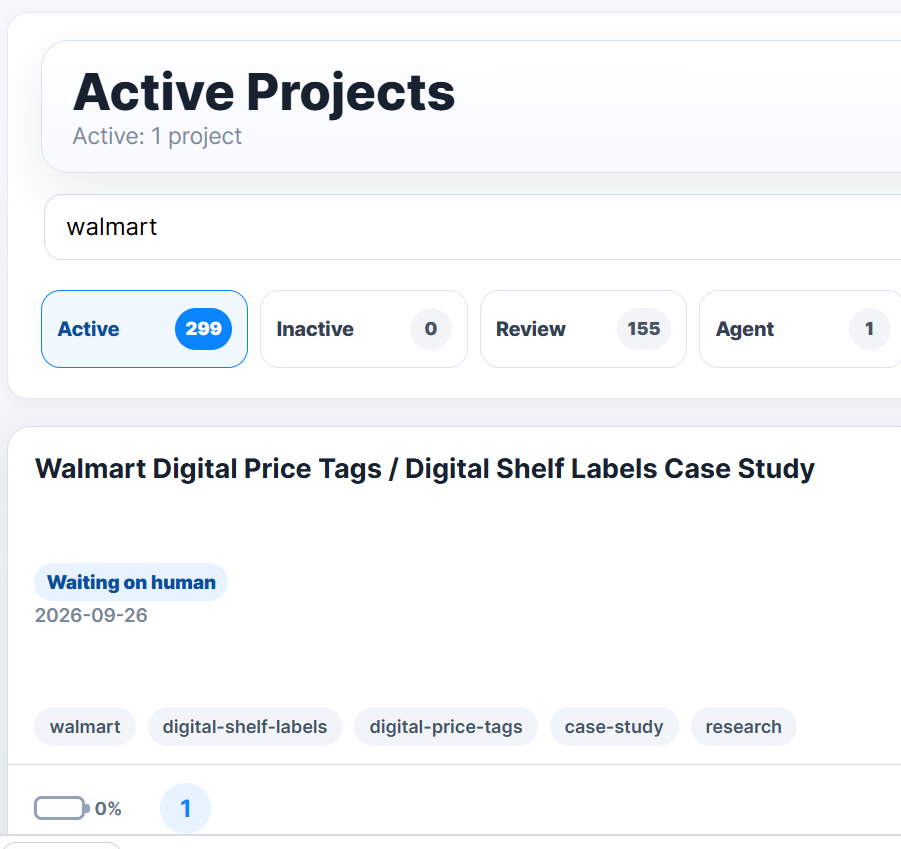
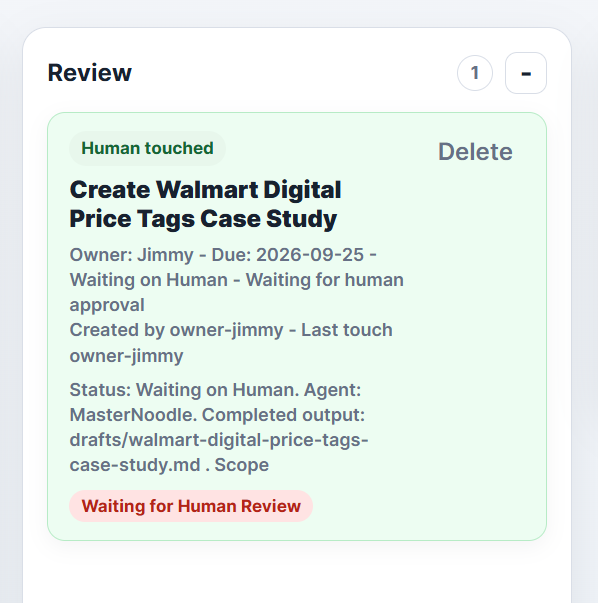
That last one is exactly how this article came together.
I put the observation into a project, attached the pictures, gave the AI team the research and task context, and had the system produce publish-ready material for the right places.
That is the bigger Creative Spark Solutions point.
AI is useful when it is connected to the workflow.
Why This Matters
The businesses that win with AI will not be the ones that simply buy the most tools.
They will be the ones that organize their work so AI can see what matters, understand the relationships, and take useful next steps with permission.
Walmart's digital shelf labels are a large-scale retail example.
Creative Spark Solutions helps translate that kind of thinking into smaller, practical systems:
- organize the data
- map the workflow
- connect the tools
- define the human approval points
- create the content or action path
- preserve the receipt
That is where AI moves from interesting to operational.
Sometimes the best strategy session starts in a conference room.
Sometimes it starts because your daughter wanted a cat bed and a little price tag blinked at exactly the right moment.